 DomoAI
Finish the creative first
Pick the final cut before upscaling. Regenerating after an upscale wastes the pass, so lock the motion, colour, and length first.
Video upscale is the final pass before delivery: take a finished take - rendered at 720p or 1080p, or imported from somewhere else - and raise the resolution to a crisp 4K. Frames are re-detailed rather than stretched, so edges, skin, and texture come back instead of blurring.
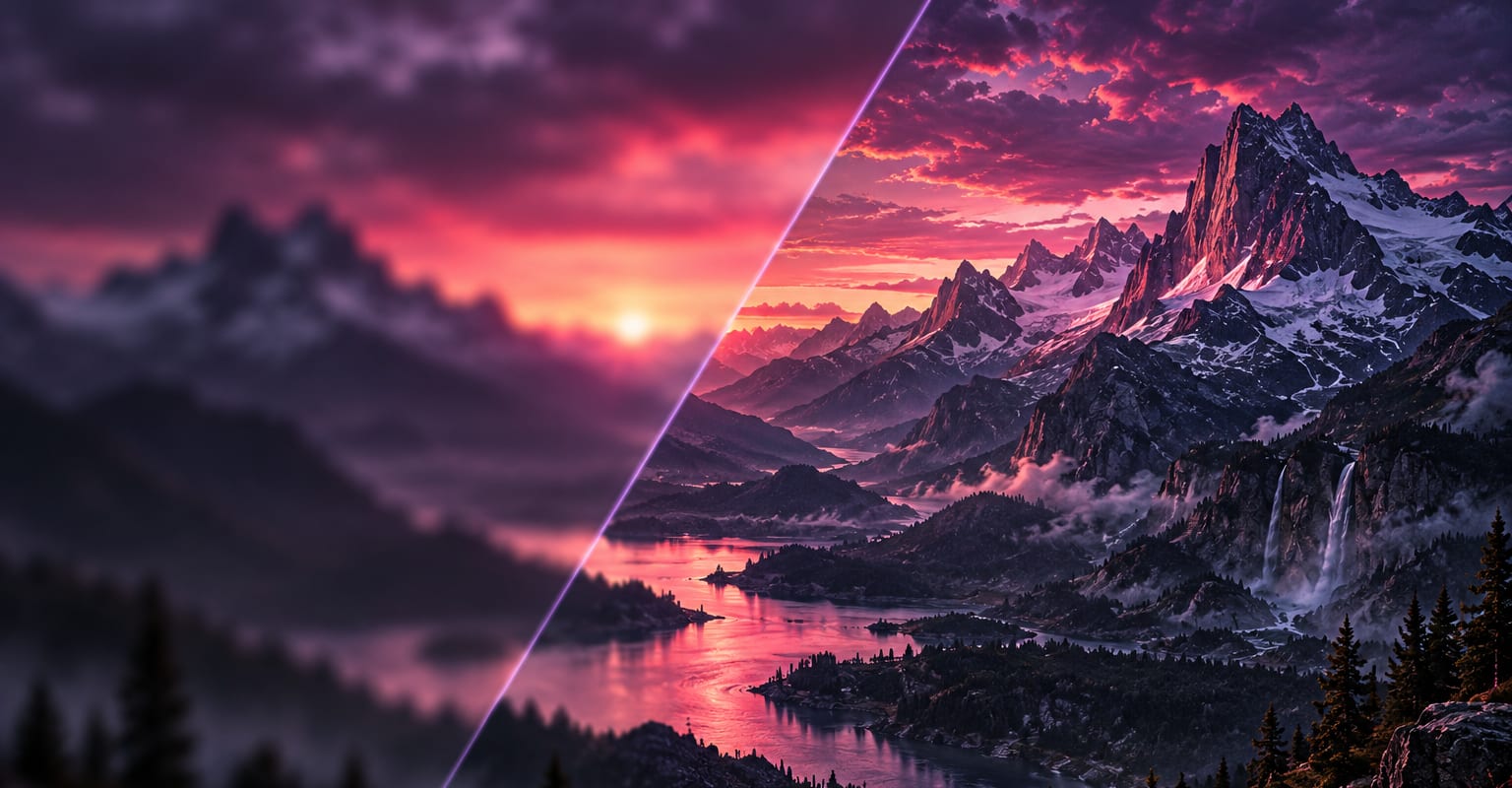
Every DomoAI workflow starts from a prompt and an optional reference file. Nothing has to be rebuilt by hand.
Pick the final cut before upscaling. Regenerating after an upscale wastes the pass, so lock the motion, colour, and length first.
Send the clip to video upscale and choose the target resolution. The model re-details each frame and keeps the frame rate and audio intact.
Pull the 4K file for your archive or editor. For social, render a 1080p version down rather than uploading the master.
DomoAI workflows differ by the material you already have. Pick the one that matches it.
| Workflow | What you provide | Good for |
|---|---|---|
| Video upscale | A finished clip | Final delivery, archives, and footage headed into a bigger edit |
| AI image upscaler | A still image | Posters and key art that need print resolution instead |
| Video to video | Footage plus a style reference | Changing the look of a clip, not its resolution |
| Text to video | A written prompt | Creating a new shot from scratch before any upscaling |
Answers about inputs, limits, resolution, and how credits are used.
Generation focuses on motion and composition; upscaling focuses on pixels. The two-pass route gives the model its full attention at each stage, which is why a 1080p render polished with video upscale usually beats forcing a 4K first pass.
It sharpens real detail and calms compression-style softness. Warped hands or a drifting face are generation problems - fix those with a retake first, then upscale the take you are happy with.
Upscaling is billed in credits from the same balance as generation, scaled by clip length and target resolution. Your 100 welcome credits cover a first pass on a short clip so you can compare results yourself.
Any clip in your library - text to video renders, restyles, talking avatars, camera templates. The polished route is: generate, refine, then upscale the final cut to 4K.
Every new account starts with 100 welcome credits, valid for 30 days, so you can test this workflow before choosing a plan.