 DomoAI
Attach every reference
Add the character image, the 15-second motion or style clip, and the audio track. Each file becomes a tool the prompt can call on.
Omni reference is the workflow for scenes that need more than one anchor: a character image to keep the look, a motion clip to set the movement, and an audio track to pace it. Attach all three, point at each one with @, and the prompt holds them together in a single generation.
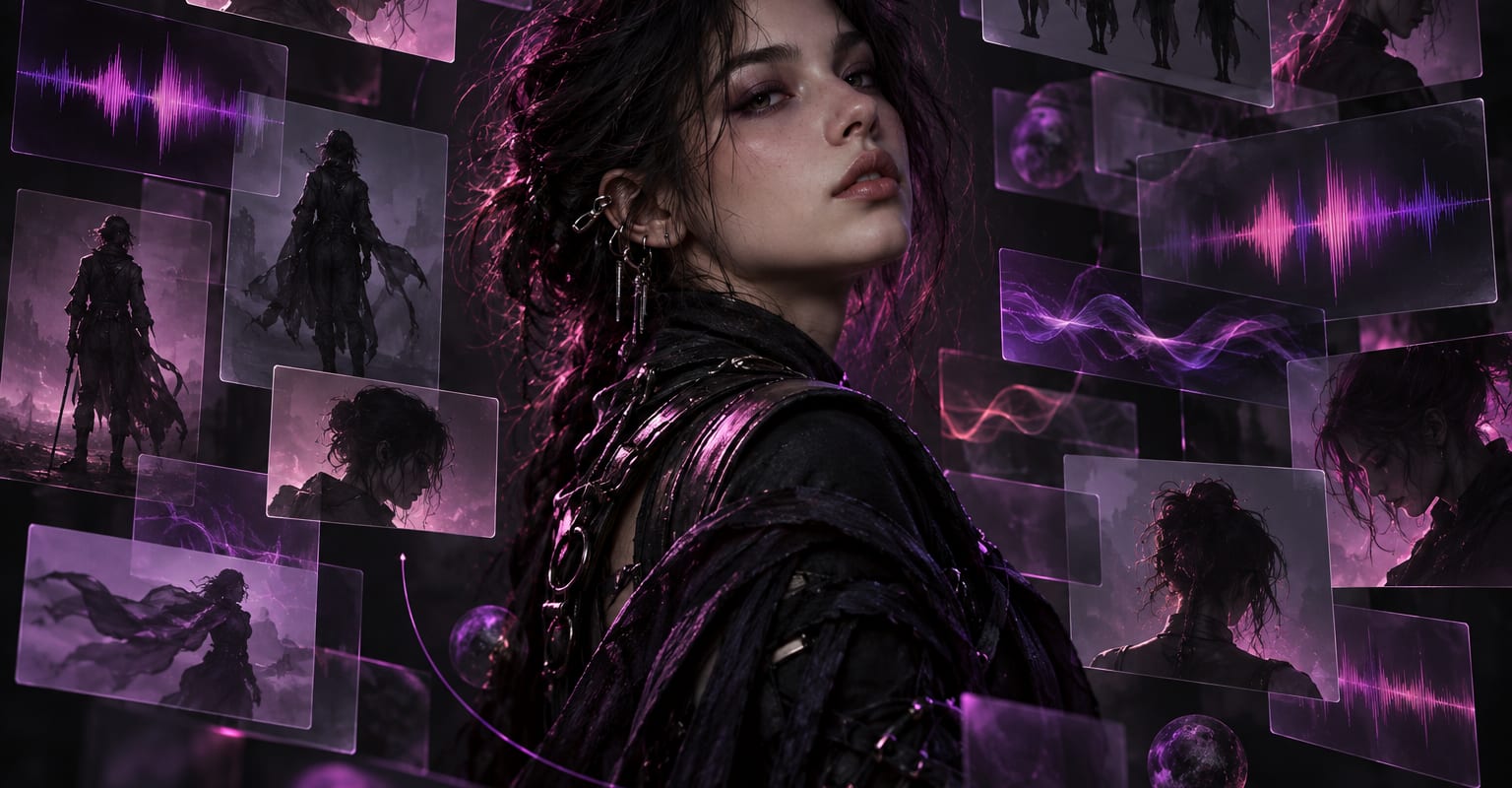
Every DomoAI workflow starts from a prompt and an optional reference file. Nothing has to be rebuilt by hand.
Add the character image, the 15-second motion or style clip, and the audio track. Each file becomes a tool the prompt can call on.
Write the scene and use @ before a file name wherever it should apply - @hero.png for the look, @dance.mp4 for the movement, @track.mp3 for the beat.
Render the scene and reuse the same reference files for the next shot. Keeping the attachments constant is what keeps a series consistent.
DomoAI workflows differ by the material you already have. Pick the one that matches it.
| Workflow | What you provide | Good for |
|---|---|---|
| Omni reference | Image, clip, and audio together | Multi-shot scenes that must keep one character and one rhythm |
| Character to video | Photo plus a motion clip | Single-character motion when audio is not involved |
| Video to video | Footage plus a style reference | Restyling existing footage rather than assembling references |
| Talking avatar | One portrait plus audio | Straightforward lip-sync from a single portrait |
Answers about inputs, limits, resolution, and how credits are used.
Most workflows take one input - a photo, a clip, or a prompt. Omni reference holds up to one image, one motion or style clip of 15 seconds, and one audio track at once, with @ pointing each element at its part of the prompt.
Type @ in the prompt box and pick the attached file from the list. From then on the model treats that file as the source for look, motion, or sound wherever the reference appears.
The track guides pacing - beats and cuts land with the sound - and it renders with the clip when the workflow calls for lip-sync. You can also mute the export and use the audio for timing only.
Yes, and that is the intended pattern: save the image, clip, and audio once, then change only the prompt to stage new scenes with the same character, movement, and rhythm.
Every new account starts with 100 welcome credits, valid for 30 days, so you can test this workflow before choosing a plan.