 DomoAI
Upload and describe
Pick the photo and write the change as a plain instruction: "replace the street with a rose garden, keep the lighting warm". One clear change per pass works best.
The AI image editor is prompt-first: say what should change - the jacket colour, the background, the weather - and everything else stays where it was. Edits respect the subject, so the person in the photo keeps their likeness and pose while the instruction happens around them.
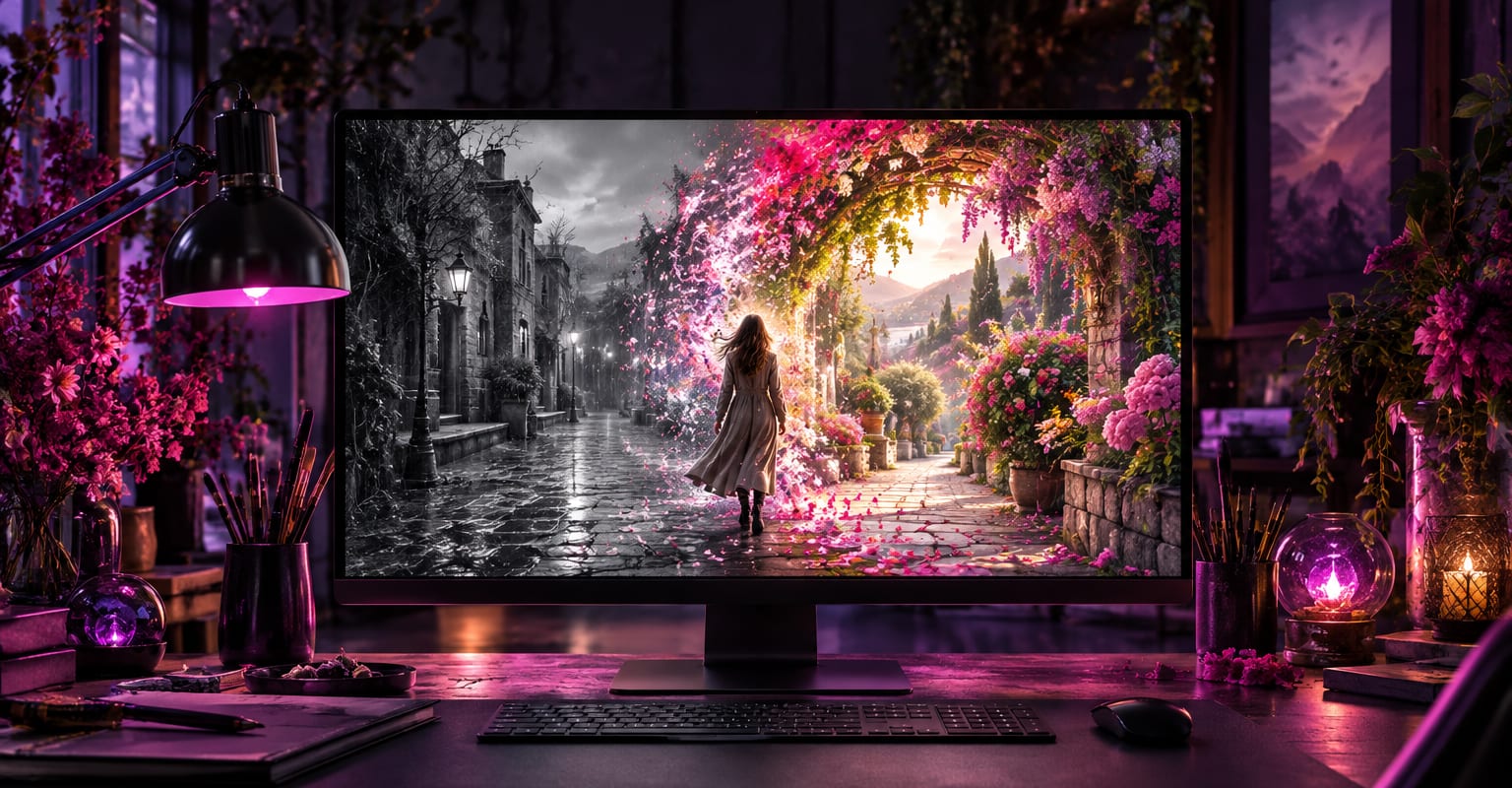
Every DomoAI workflow starts from a prompt and an optional reference file. Nothing has to be rebuilt by hand.
Pick the photo and write the change as a plain instruction: "replace the street with a rose garden, keep the lighting warm". One clear change per pass works best.
Check where the change meets what stayed - hair, hands, shadows. If an edge wobbles, rerun with a tighter instruction rather than stacking more changes.
Download the edited still, or send it into image to video for motion. Edit results slot into every video workflow exactly like a fresh photo.
DomoAI workflows differ by the material you already have. Pick the one that matches it.
| Workflow | What you provide | Good for |
|---|---|---|
| AI image editor | A photo plus an instruction | Targeted edits that should leave the subject untouched |
| Image extender | A photo plus a direction to grow | Adding scene beyond the frame instead of changing what is in it |
| Face swap | A face plus a target scene | Replacing a person rather than editing the setting |
| Image to video | The edited still | Turning the finished edit into a moving clip |
Answers about inputs, limits, resolution, and how credits are used.
Precise when the instruction is specific and singular. "Make the sky stormy, keep the building and lighting" lands; a paragraph of five changes in one pass tends to compromise between them. Stack edits one at a time instead.
Targeted edits preserve the subject by design - identity, expression, and pose survive a background or wardrobe change. Edits that fundamentally redraw the person, like "make them a knight in armour", repaint more freely, so plan a retake if the first pass drifts.
Short text on flat surfaces is editable with a careful prompt, and tricky letters are fixable by repeating the instruction. For heavy text surgery, edit the area first and upscale after.
Extend the composition with the image extender, sharpen the result with the AI image upscaler, or animate it. Edited stills behave like any other image across the site.
Every new account starts with 100 welcome credits, valid for 30 days, so you can test this workflow before choosing a plan.