 DomoAI
Upload the subject
A centered shot on a simple background gives the cleanest orbit. Products on a plain surface and characters on flat colour backgrounds work best.
The 360 view template turns a single image into a rotating shot: the camera arcs around the subject, the light shifts with the angle, and the subject itself holds still. It is the classic product spin, applied to photos, character art, and hero objects alike.
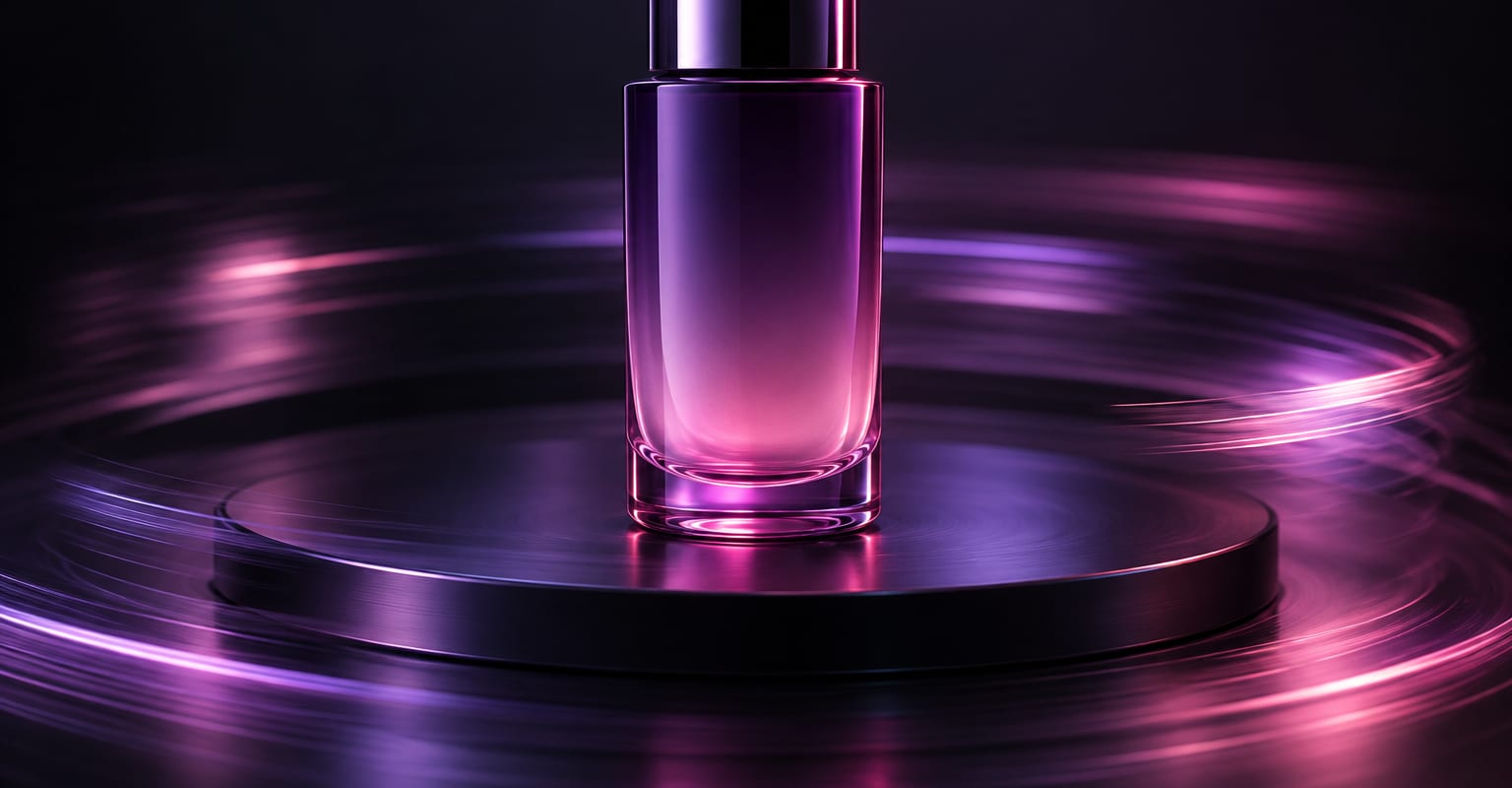
Every DomoAI workflow starts from a prompt and an optional reference file. Nothing has to be rebuilt by hand.
A centered shot on a simple background gives the cleanest orbit. Products on a plain surface and characters on flat colour backgrounds work best.
Pick a full 360, a half sweep, or a slow turntable and set the direction. Add a prompt line if you want the background to rotate with the subject or stay fixed.
Generate the orbit, re-run it if an angle drifts, and upscale the final take to 4K before dropping it into a listing or a launch page.
DomoAI workflows differ by the material you already have. Pick the one that matches it.
| Workflow | What you provide | Good for |
|---|---|---|
| 360 view | One still | Product spins, turntables, and character turnarounds |
| Zoom in | One still | A push-in on a face, poster, or product detail instead of an orbit |
| Image to video | One still | Making the subject itself move rather than the camera |
| Frames to video | 2-8 keyframes | Holding several camera angles exactly when one pass is not enough |
Answers about inputs, limits, resolution, and how credits are used.
Behind the subject the model reconstructs plausible detail it could not see in the original photo, so simple geometry - bottles, boxes, figurines, character turnarounds - stays convincing. Fine print and logos can shift, and the AI image editor or extender can fix specific angles.
A sharp, centered subject with even lighting. A busy background is fine if it should stay put; a plain backdrop reads better for product listings where the focus should stay on the object.
Yes - trim the first frames in an editor so the end frame meets the start, and the sweep becomes a seamless product loop for a web page or an ad.
Camera template clips run from 5 seconds up. A full 360 at a comfortable speed usually sits around 6-8 seconds, which lines up well with social formats.
Every new account starts with 100 welcome credits, valid for 30 days, so you can test this workflow before choosing a plan.