 DomoAI
Scan at the highest quality you can
A flat 600-dpi scan or a steady phone capture beats a blurry print photo. Upload the original file - do not pre-resize or compress it before restoring.
Old photo restoration takes the shoebox scan - the one with the crease down the middle and the fade at the edges - and rebuilds it: scratches heal, detail returns to faces, and colour comes back to sepia. From there the same still can step into any video workflow on the site.
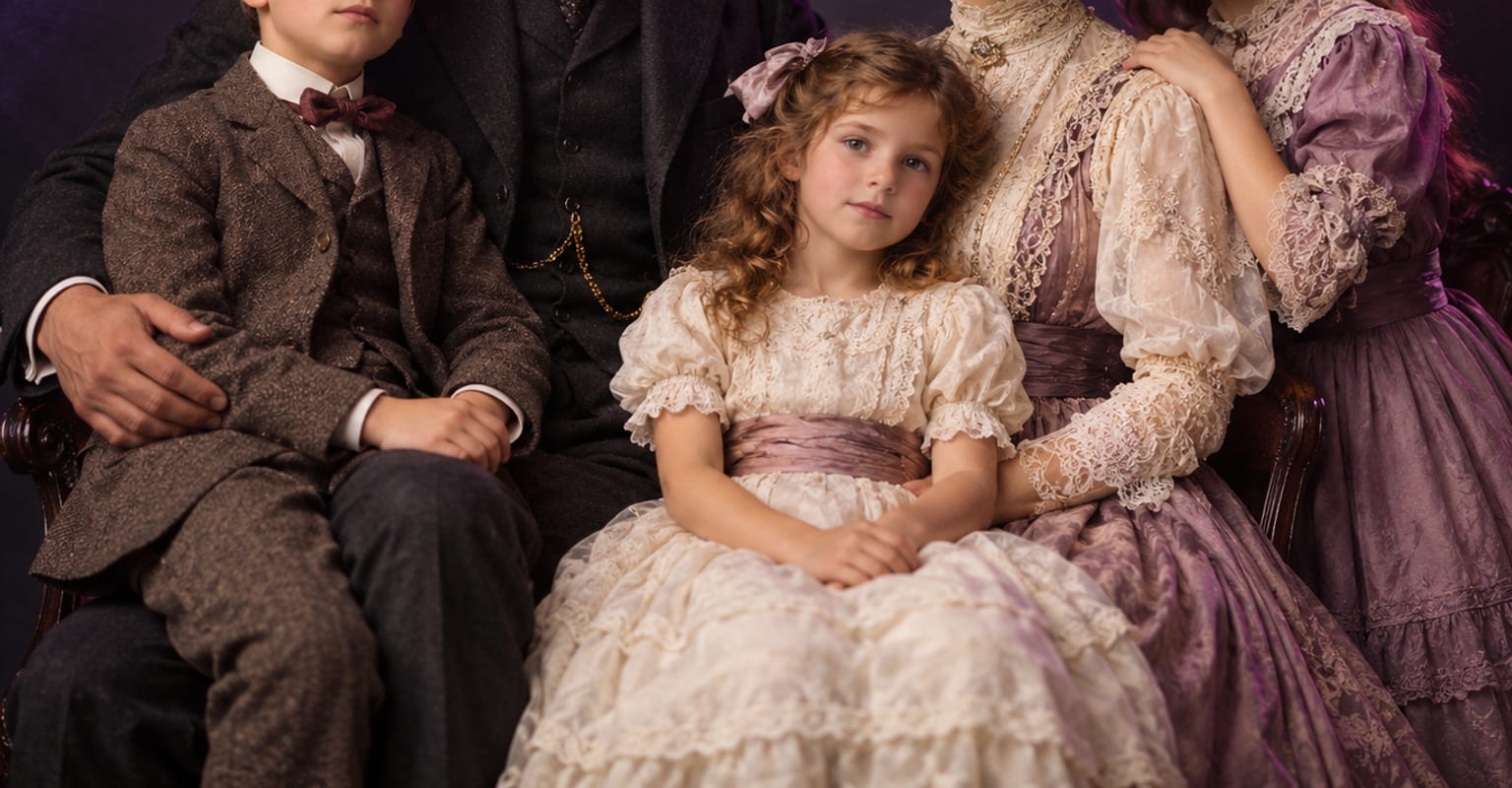
Every DomoAI workflow starts from a prompt and an optional reference file. Nothing has to be rebuilt by hand.
A flat 600-dpi scan or a steady phone capture beats a blurry print photo. Upload the original file - do not pre-resize or compress it before restoring.
The model repairs damage, re-details faces, and balances tone. For black-and-white prints, add a prompt line if you want colourisation - or leave it monochrome.
Send the restored portrait into image to video for gentle motion or into talking avatar for a spoken message, and keep the restored still as the master.
DomoAI workflows differ by the material you already have. Pick the one that matches it.
| Workflow | What you provide | Good for |
|---|---|---|
| Old photo restoration | A scanned or photographed print | Repairing damage, recovering faces, and colourising |
| AI image editor | A photo plus an instruction | Targeted edits on photos that are already in good shape |
| AI image upscaler | A photo | Raising resolution up to 6K once the restoration is done |
| Image to video | The restored photo | A few seconds of gentle motion for a memorial or reunion video |
Answers about inputs, limits, resolution, and how credits are used.
Scratches, creases, dust, stains, and edge wear are the core repairs. Large missing areas - a torn corner, a cut-out subject - are rebuilt plausibly rather than exactly, so review those regions and retake them if the tone drifts.
Restoration follows the original features instead of repainting them, so likeness improves as damage clears. Always compare the before and after at face level - if a smile reinterprets oddly, regenerate before you print or share.
Yes. Colourisation happens during restoration, and skin and fabric tones are chosen to suit the era of the print. Keep the monochrome master if the family prefers the original, and export colour as a separate copy.
Print it, send it to relatives, upscale it to 6K for a frame, or set it in motion - a gentle image to video pass, or a talking avatar with a recorded message. Every route starts from the same restored still.
Every new account starts with 100 welcome credits, valid for 30 days, so you can test this workflow before choosing a plan.