 DomoAI
Upload the character photo
A full-body or three-quarter shot gives the dance room to move. If the photo is cropped at the waist, pick a routine that stays in the upper body instead.
The groove dance template takes one photo and one dance motion clip and merges them: your character picks up the steps, the hips, and the timing of the reference while keeping its own face and outfit. It is the shortest path from a still image to a dance loop built for a feed.
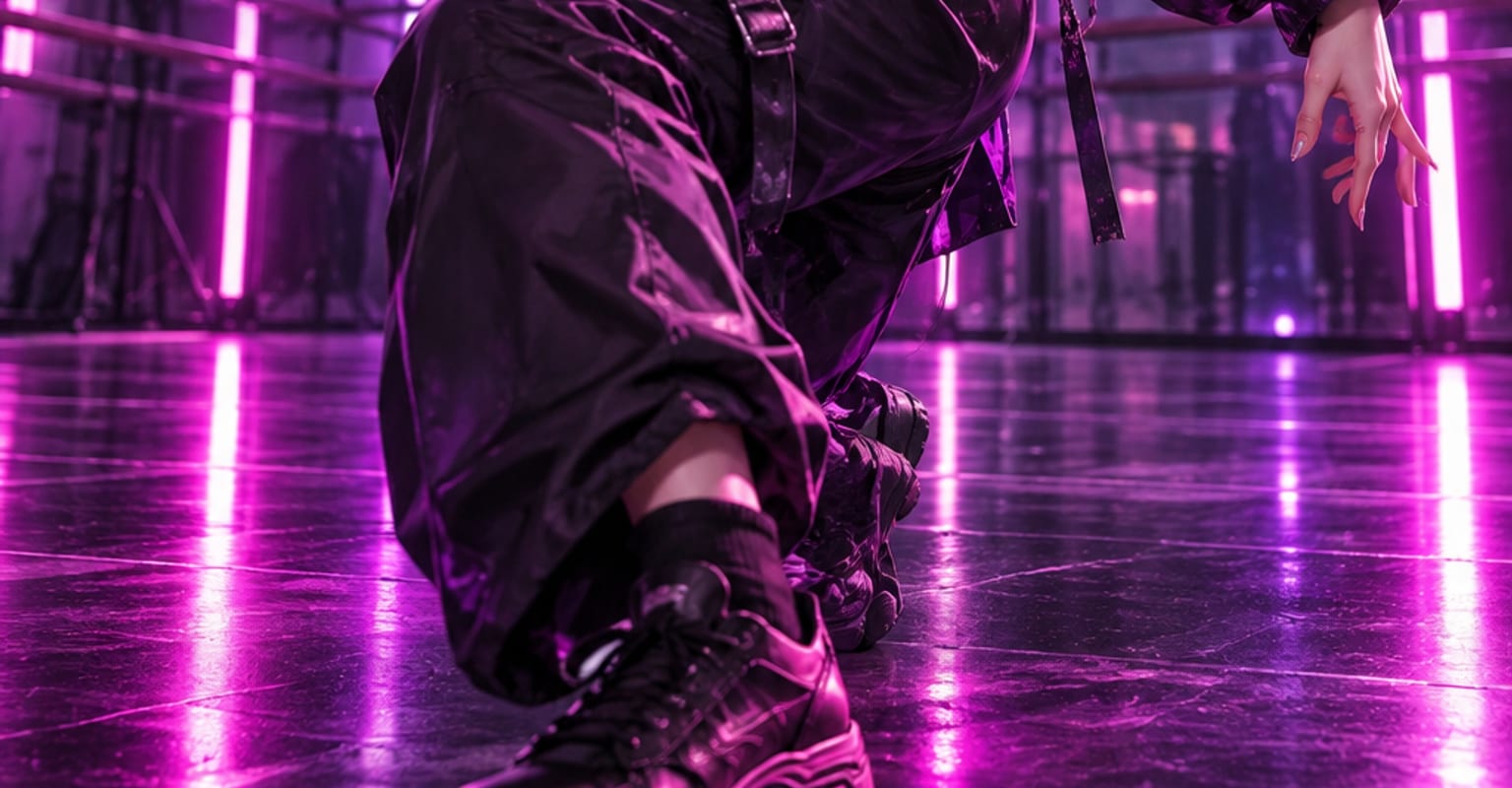
Every DomoAI workflow starts from a prompt and an optional reference file. Nothing has to be rebuilt by hand.
A full-body or three-quarter shot gives the dance room to move. If the photo is cropped at the waist, pick a routine that stays in the upper body instead.
Choose a groove motion reference - the template library keeps short, loopable routines - and type @ in the prompt to target it explicitly.
Render the dance, regenerate if a hand or foot slips out of frame, then download the loop and pair it with a track in your editor.
DomoAI workflows differ by the material you already have. Pick the one that matches it.
| Workflow | What you provide | Good for |
|---|---|---|
| Groove dance | One photo plus a dance motion clip | Trend loops where a character or mascot dances on camera |
| Character to video | One photo plus any motion clip | Walks, action beats, and custom moves beyond a dance loop |
| Image to video | One still image | Subtle ambient motion without a choreographed routine |
| Talking avatar | One portrait plus audio | Lip-synced dialogue instead of full-body movement |
Answers about inputs, limits, resolution, and how credits are used.
The groove template pairs your photo with a motion reference. The template library includes short dance routines, and you can also attach your own clip of up to 15 seconds - the model follows its timing and footwork.
Yes. The face, hair, and outfit come from your photo, and the reference only supplies the movement. Busy patterns and very fine jewellery are the first things to soften, so simplify those details if they must stay crisp.
The render is silent. Generate the loop first, then lay your own track underneath in a video editor - the template is timed so common beat grids line up with the routine out of the box.
Groove templates are built from loopable routines, so trimming the first or last frame in an editor gives you a clip you can repeat for as long as the track needs.
Every new account starts with 100 welcome credits, valid for 30 days, so you can test this workflow before choosing a plan.