 DomoAI
Upload both portraits
Choose two photos with clear faces and similar lighting. Front-facing shots work best because the model needs to see how each face turns toward the other.
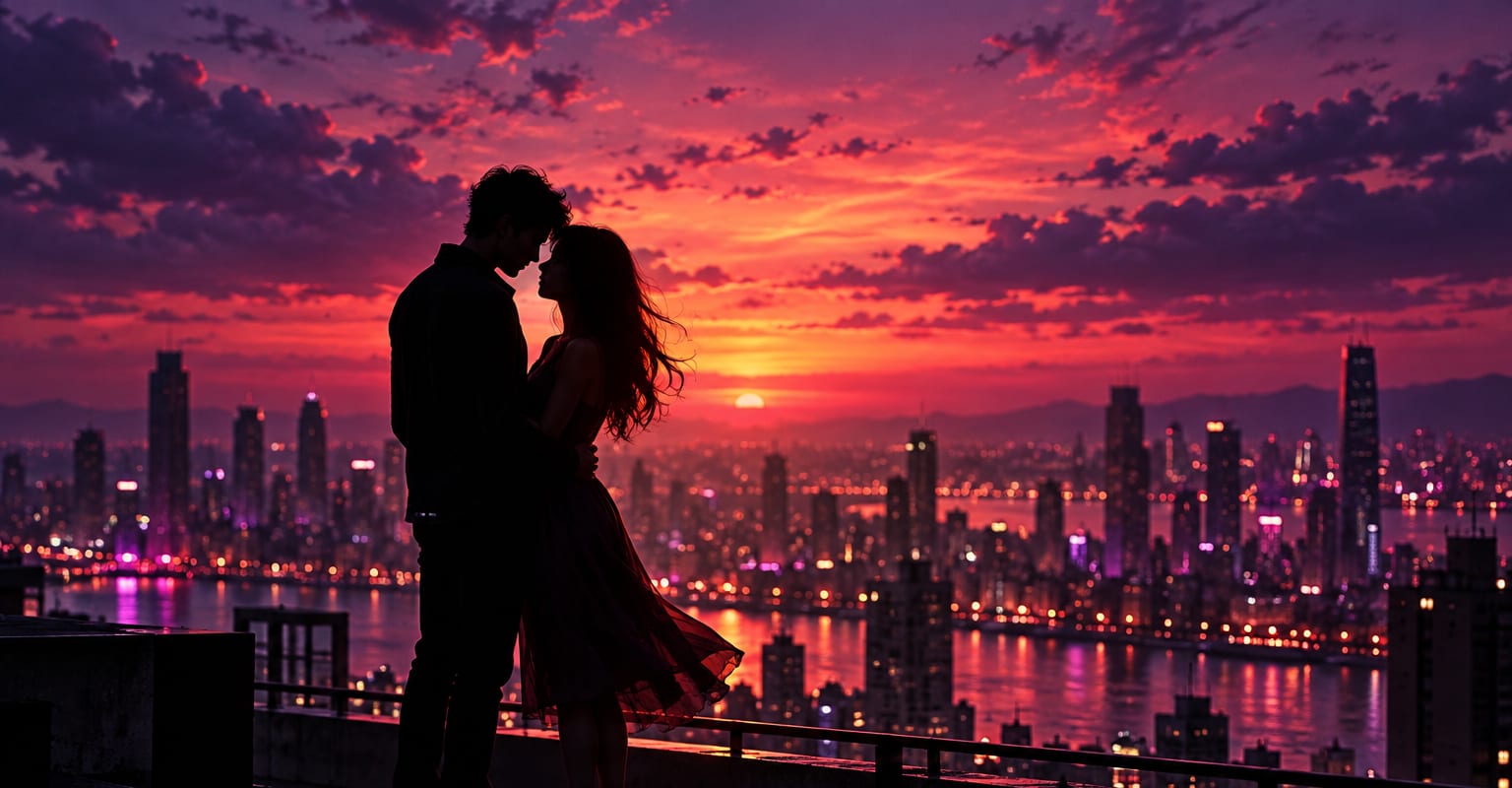
Start with two photos - two people, one illustration, or a pair of characters - and the kissing template stages the moment between them: the lean-in, the contact, and the reaction afterwards. The camera stays on the pair, so the clip reads as one continuous take rather than two photos pasted together.
Every DomoAI workflow starts from a prompt and an optional reference file. Nothing has to be rebuilt by hand.
Choose two photos with clear faces and similar lighting. Front-facing shots work best because the model needs to see how each face turns toward the other.
Select the kiss you want - a cheek peck, a soft kiss, or a longer romantic take - and add a line about the setting if the background should stay put.
Render the scene, regenerate for a better take if a face drifts, then download the clip for a message, a feed post, or a birthday reveal.
DomoAI workflows differ by the material you already have. Pick the one that matches it.
| Workflow | What you provide | Good for |
|---|---|---|
| AI kissing video | Two portraits | Staging a kiss between two people or characters who were never in one photo |
| AI hug video | Two portraits | A warm embrace where the moment stays gentle and friendly |
| Character to video | One character photo plus a motion clip | Full-body animation like dances and walks |
| Image to video | One still image | Animating a single subject when there is no second face |
Answers about inputs, limits, resolution, and how credits are used.
It is a short clip generated from two portraits that places the pair in a staged kiss. The model invents the movement between the photos - the approach, the contact, and the reaction - so the result plays like a filmed moment.
A clear view of each face, ideally front-facing and lit similarly, with nothing covering the mouth. Group photos work as inputs too - crop each person out first for the cleanest take.
Yes. A photo pair keeps its photographic look, while illustration inputs carry their own art style through. When you mix a photo with a drawing, generate a couple of takes so the two styles can meet in the middle.
Only photos of people who have given you permission, and follow the terms of service when you publish the result. Treat the finished clip the same way you would treat a real photo of the pair.
Every new account starts with 100 welcome credits, valid for 30 days, so you can test this workflow before choosing a plan.