 DomoAI
Upload the crop
Start from any photo, render, or key art - especially ones where the subject is cut off. The original pixels stay untouched; only the new area is painted.
Image extender paints past the edges of a photo. A tight portrait gains a room around it, a square shot stretches into a wide banner, and a cropped background becomes a full scene - matching the original lighting, grain, and palette so the seam disappears.
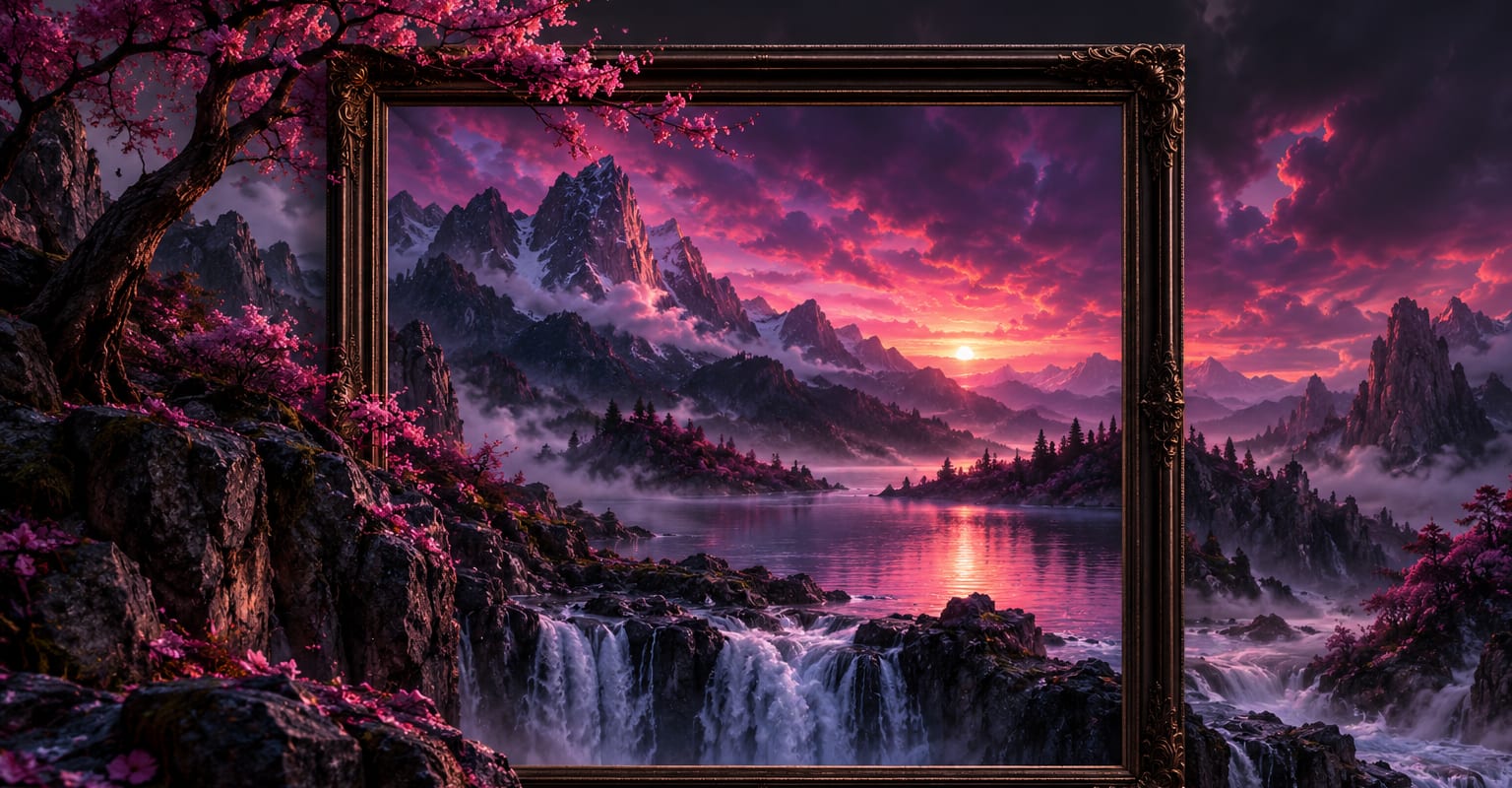
Every DomoAI workflow starts from a prompt and an optional reference file. Nothing has to be rebuilt by hand.
Start from any photo, render, or key art - especially ones where the subject is cut off. The original pixels stay untouched; only the new area is painted.
Stretch to a wide banner, a story-tall frame, or extend one edge at a time. Add a prompt line describing what should continue - crowd, skyline, plain wall.
Download the extended still for a banner or thumbnail, or push it into image to video or the zoom in template for a moving version.
DomoAI workflows differ by the material you already have. Pick the one that matches it.
| Workflow | What you provide | Good for |
|---|---|---|
| Image extender | A photo plus a direction to grow | Banners, uncrops, and rebuilding scenes around tight subjects |
| AI image editor | A photo plus an instruction | Changes inside the frame - objects, colour, tidy-ups |
| Text to image | A prompt | Starting a new scene from scratch rather than extending one |
| Image to video | The extended still | Bringing the new wider composition to life |
Answers about inputs, limits, resolution, and how credits are used.
Each pass can grow the canvas by a wide margin - enough to turn a portrait crop into a billboard shape. Very large extensions land better in two steps, extending the sides first and then the top and bottom.
Yes, the new area is generated, and the prompt steers it. Matching the original grain, depth of field, and colour cast is automatic, which is what keeps the extension from looking like a collage.
That is the classic use: upload the portrait, extend left and right with a quiet background prompt, and export a wide frame ready for a site header or an ad placement.
The extended still animates exactly like any other image - image to video for ambient motion or the zoom template for a push-in across the wider composition. Nothing about the extension is locked out.
Every new account starts with 100 welcome credits, valid for 30 days, so you can test this workflow before choosing a plan.