 DomoAI
Add a photo of each person
Portraits that show the upper body work best, since the model needs to see the shoulders and arms it will bring together. Even a phone snapshot is fine - the template evens out the lighting.
The hug template takes two photos that were shot years apart, in different cities, or on different cameras and closes the distance between them. Arms come up, shoulders meet, and the pair settles into an embrace - a small clip that lands like a reunion photo that moves.
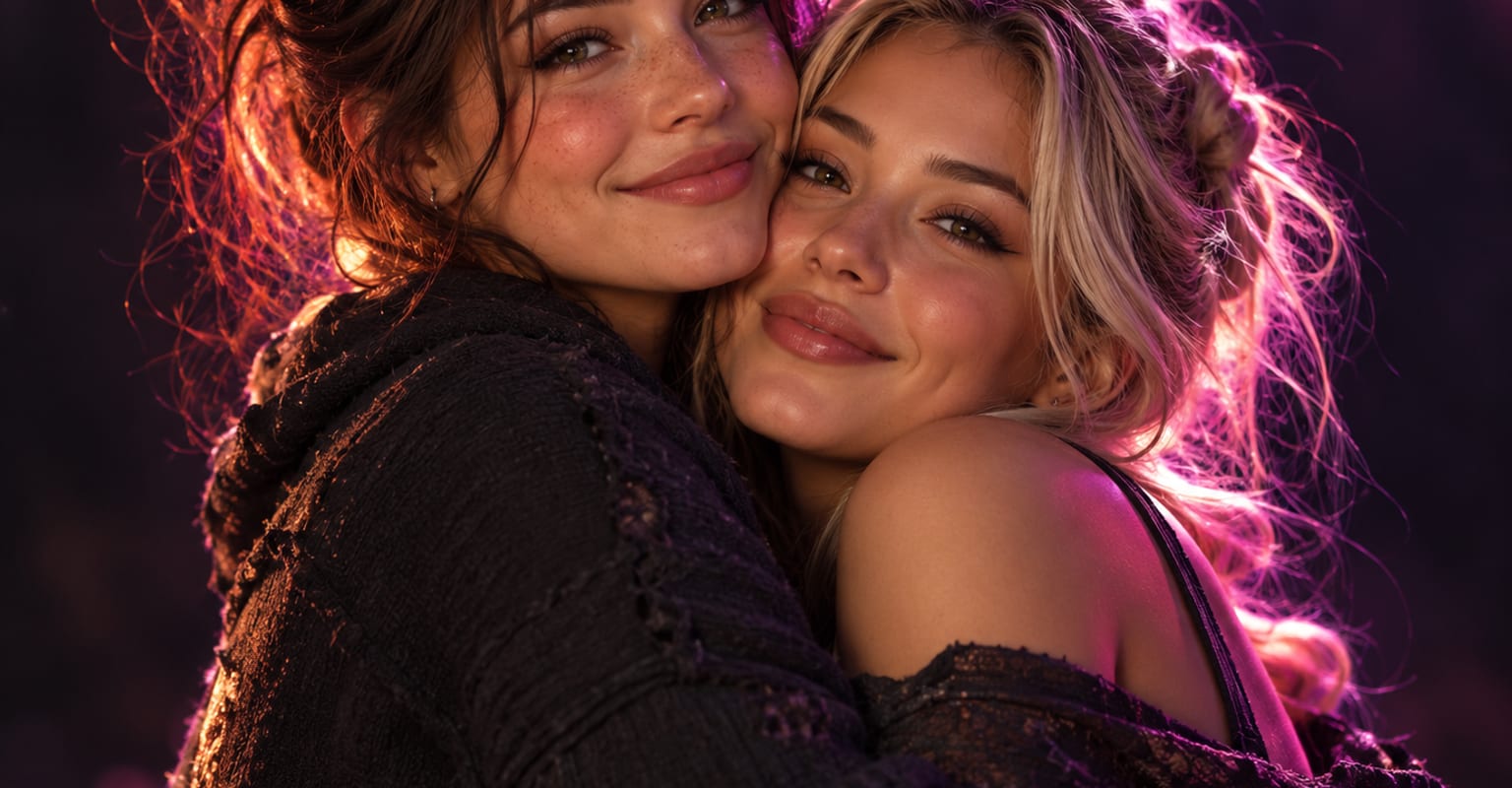
Every DomoAI workflow starts from a prompt and an optional reference file. Nothing has to be rebuilt by hand.
Portraits that show the upper body work best, since the model needs to see the shoulders and arms it will bring together. Even a phone snapshot is fine - the template evens out the lighting.
Pick the hug template and decide whether the pair should stay side by side or turn into each other. A short prompt line keeps a busy background under control.
Render the embrace, check that both faces stay on-model, and download the clip to send in a family chat or post on a birthday.
DomoAI workflows differ by the material you already have. Pick the one that matches it.
| Workflow | What you provide | Good for |
|---|---|---|
| AI hug video | Two portraits | Bringing two people or characters together in a warm, friendly embrace |
| AI kissing video | Two portraits | A romantic scene between a pair instead of a friendly hug |
| Talking avatar | One portrait plus a script or voice track | Making a single portrait speak a message |
| Image to video | One still image | Adding subtle motion to one photo without a second person |
Answers about inputs, limits, resolution, and how credits are used.
Upload one portrait of each person, choose the hug template, and generate. The model poses both people into a single scene, animates the embrace, and renders a clip - no editing software or layered masks involved.
The template rebuilds the scene around the pair, so mismatched backgrounds are normal inputs. Mention the setting you want in the prompt - living room, park, plain studio - and both subjects are placed into it.
One generation stages a pair. For a bigger group, generate the core pair first, then use Omni Reference to bring extra people into the same scene with a consistent look.
Yes - any two subjects with a readable silhouette can be embraced, including pets, mascots, and product characters. Clear, well-lit photos still give the most natural arm and paw placement.
Every new account starts with 100 welcome credits, valid for 30 days, so you can test this workflow before choosing a plan.