 DomoAI
Describe or upload the character
Write the character - element, weapon, pose, mood - or upload a photo to anime-ify into the art frame. Reference images pin the look for repeat cards.
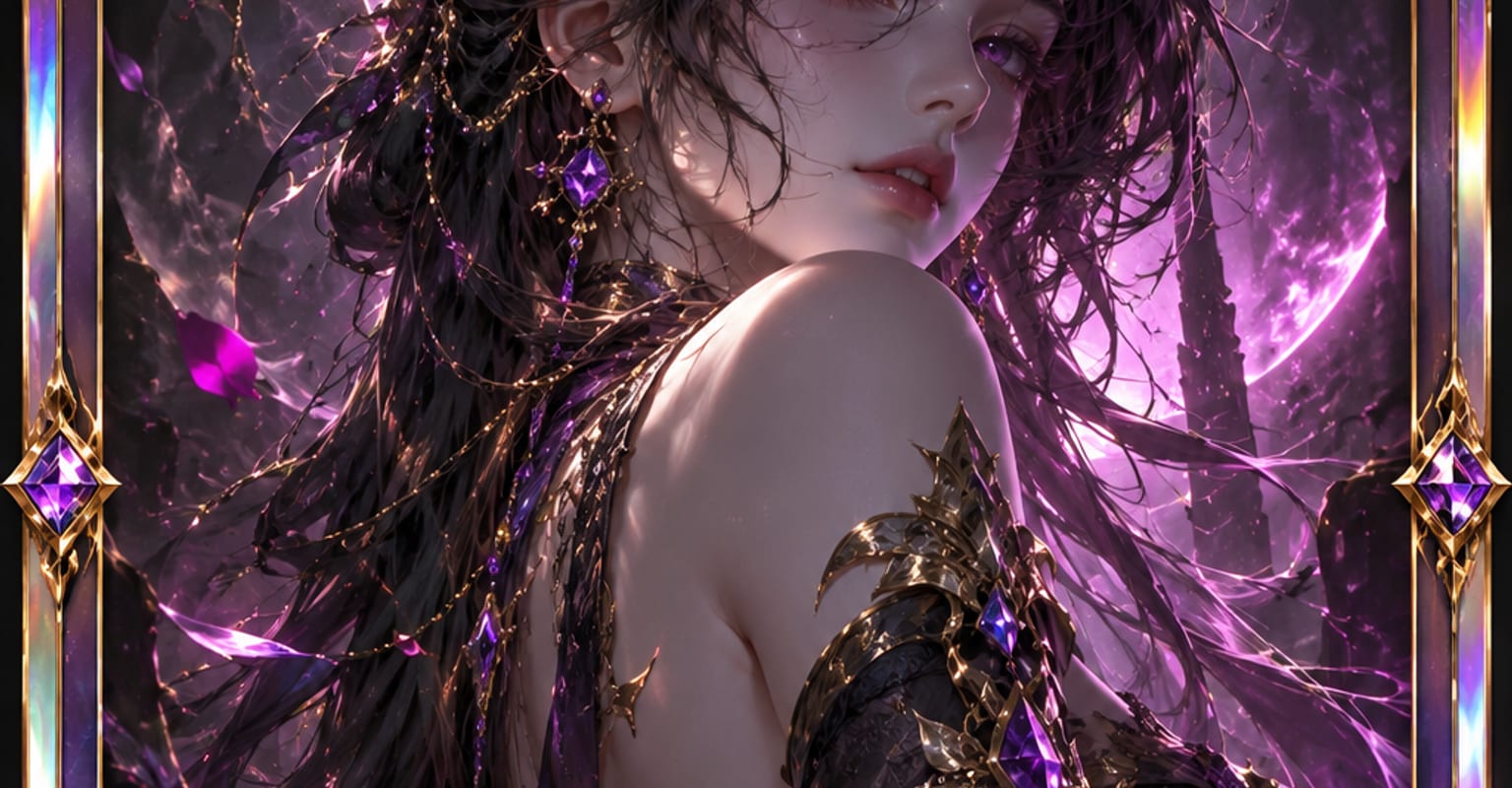
The anime card maker wraps a character in a trading-card layout: portrait art up top, a name plate and stat block below, framed like something that came out of a booster pack. Start from a written character sheet or from a photo, and iterate the art until the card looks like it belongs in a deck.
Every DomoAI workflow starts from a prompt and an optional reference file. Nothing has to be rebuilt by hand.
Write the character - element, weapon, pose, mood - or upload a photo to anime-ify into the art frame. Reference images pin the look for repeat cards.
Choose a frame style and which plates to include - name, title, stats, set symbol. The layout keeps text areas clear of the artwork.
Render the card, check the name plate letter by letter (AI text needs a careful eye), and export at up to 4K for printing or sharing.
DomoAI workflows differ by the material you already have. Pick the one that matches it.
| Workflow | What you provide | Good for |
|---|---|---|
| Anime card maker | A prompt or photo | Trading-card art with frames, names, and stats |
| Text to image | A prompt | Free-form key art and character sheets that are not cards |
| AI anime generator | Prompt, stills, or footage | Anime video instead of a printable still |
| AI image editor | A photo plus an instruction | Fixing or restyling art after the card is generated |
Answers about inputs, limits, resolution, and how credits are used.
The frame renders names and short stat labels, and short text is far more reliable than sentences. Spell unusual names phonetically in the prompt, then check the plate and regenerate or repair in the image editor if a letter drifts.
Fix one card you like, then keep the same prompt spine, frame, and a reference image while changing only the character specifics. That trio is what keeps a set looking like one printing run.
Yes - cards render sharp at standard card sizes and can be upscaled to 6K for larger prints. Use matte card stock and a 300-dpi-plus printer for the cleanest result.
Use your own characters, prompts, and photos, and follow the terms of service. If the character belongs to someone else, treat the card as fan art and respect that creator rights still apply.
Every new account starts with 100 welcome credits, valid for 30 days, so you can test this workflow before choosing a plan.