 DomoAI
Choose the character image
The clearest full-body shot you have. Drawings, character sheets, and 3D renders all work; a plain background gives the cleanest silhouette to animate.
Character to video is motion transfer, not puppeteering: you bring one image of a character - a photo, a drawing, a mascot - and one clip that shows how it should move. The model rebuilds the character inside that motion, so a single portrait can walk, dance, and throw a punch without extra rigging.
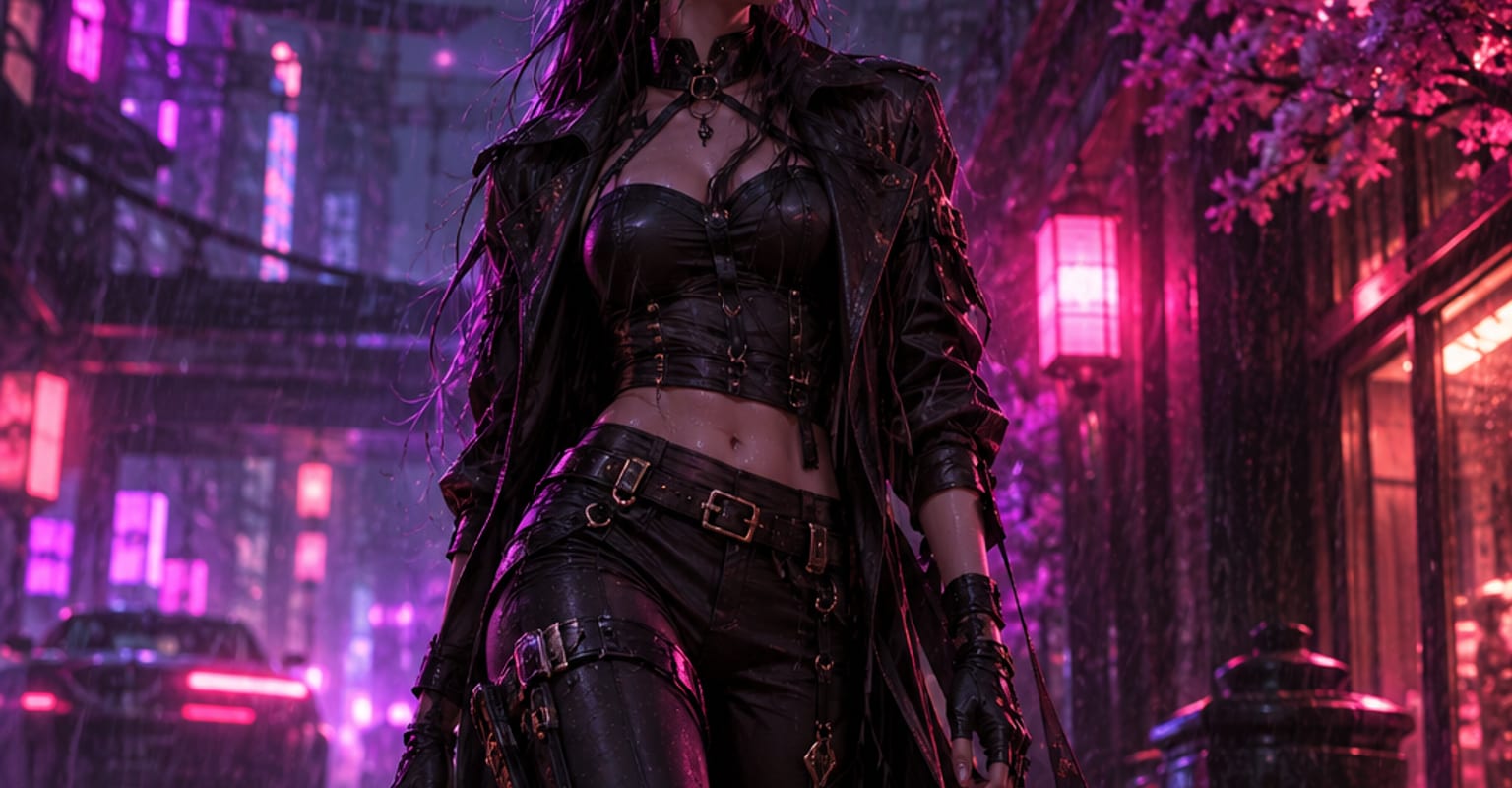
Every DomoAI workflow starts from a prompt and an optional reference file. Nothing has to be rebuilt by hand.
The clearest full-body shot you have. Drawings, character sheets, and 3D renders all work; a plain background gives the cleanest silhouette to animate.
Pick a clip that shows the move - a walk cycle, a dance, a stick-figure animation - or choose from the motion templates. The reference only supplies movement, never looks.
Render the character in motion, check that hair and outfit details survived the transfer, then export and reuse the same reference for the next shot in the sequence.
DomoAI workflows differ by the material you already have. Pick the one that matches it.
| Workflow | What you provide | Good for |
|---|---|---|
| Character to video | One character photo plus a motion clip | Dance, walk, and action loops with a consistent character |
| Groove dance | One photo plus a dance clip | Trend-following dance loops with built-in routines |
| Talking avatar | One portrait plus a script or audio | Dialogue and lip-sync when the character should speak |
| Video to video | Existing footage plus a style reference | Restyling real footage instead of animating a character |
Answers about inputs, limits, resolution, and how credits are used.
A sharp, evenly lit shot with the full silhouette visible. Character sheets and clean illustrations have an edge because the model can read the outfit unambiguously - busy backgrounds and heavy motion blur are the main causes of a soft result.
One character takes the lead per generation. Composite scenes with several characters are built by generating each motion and combining the takes, or by using Omni Reference to hold a shared style across them.
Face, hair, and costume colours come through reliably. Very small elements - earrings, straps, lens flares - can shimmer during fast moves; keep the reference motion smooth or plan a retake for hero shots.
Up to 15 seconds of reference per generation, and the rendered clip can run from 5 seconds. For longer choreography, generate sections with the same character image and cut them together.
Every new account starts with 100 welcome credits, valid for 30 days, so you can test this workflow before choosing a plan.