 DomoAI
Upload the source face
Pick the clearest shot of the face you want to place - front-lit, in focus, eyes open. Multiple angles help if you plan to swap into several shots.
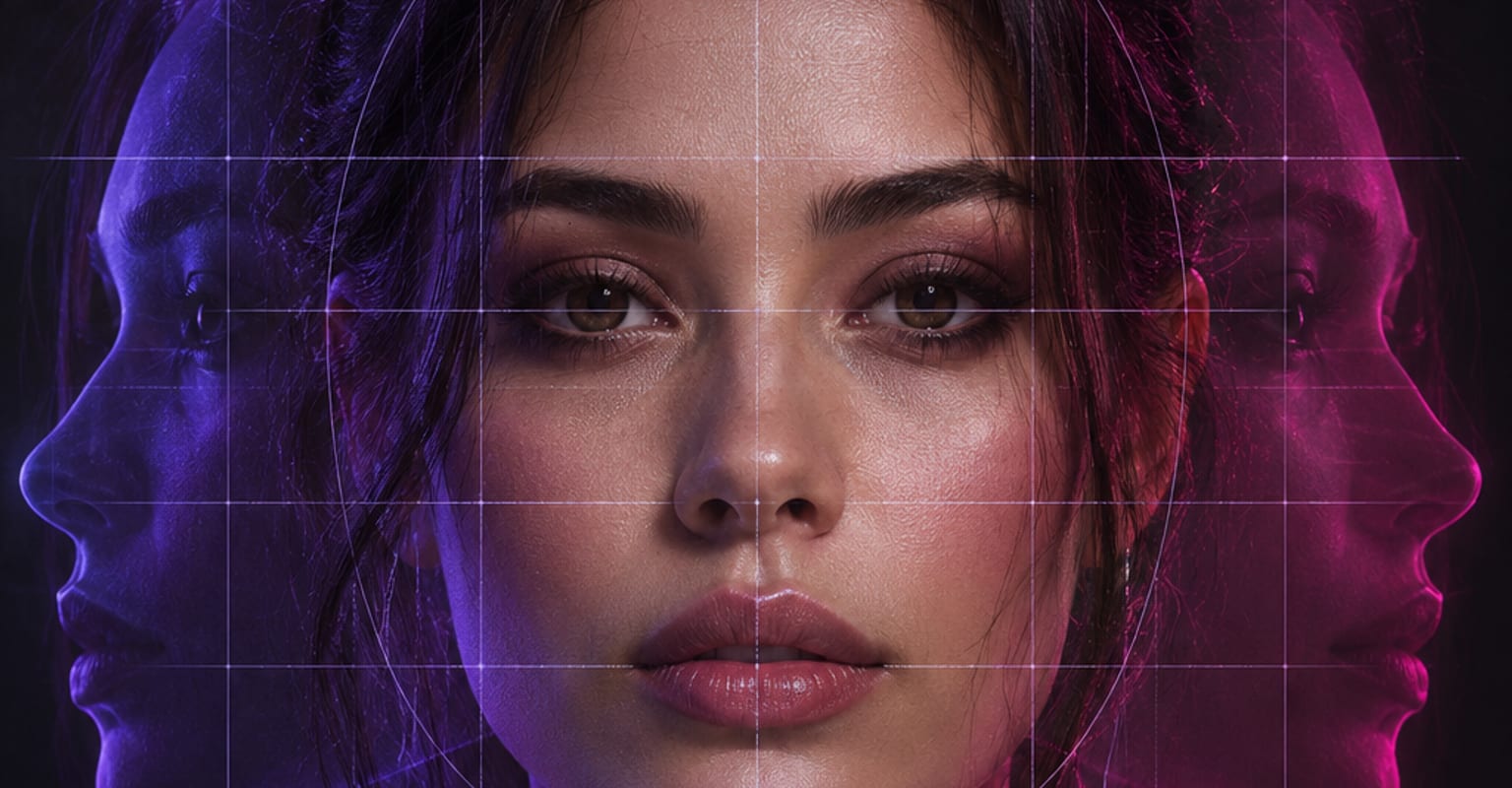
Face swap moves a face from one image onto another subject - a photo, a character render, or a short clip - and relights it to match the target scene. The expression, angle, and skin tone of the moment carry over, so the swap reads as the same shot rather than a sticker pasted on top.
Every DomoAI workflow starts from a prompt and an optional reference file. Nothing has to be rebuilt by hand.
Pick the clearest shot of the face you want to place - front-lit, in focus, eyes open. Multiple angles help if you plan to swap into several shots.
Choose the photo or short clip to swap into. One face is swapped per pass, which keeps expressions and gaze locked to the original subject.
Render the swap, look along the jawline and hairline where blends show first, then keep the take or adjust the crop and rerun quickly.
DomoAI workflows differ by the material you already have. Pick the one that matches it.
| Workflow | What you provide | Good for |
|---|---|---|
| Face swap | A source face plus a target photo or clip | Replacing a face while the scene, pose, and expressions stay |
| Character to video | A full character plus a motion clip | Animating the whole character, not just the face |
| Talking avatar | A portrait plus audio | Making one portrait speak without a second face involved |
| AI image editor | A photo plus an instruction | Broader edits around a face - lighting, background, styling |
Answers about inputs, limits, resolution, and how credits are used.
Yes, every time. Only use faces you own or have written permission to use, and do not publish a swap that could misrepresent someone. The terms of service apply to everything you generate here.
Yes - short clips swap cleanly, one face per pass, with the source face tracked through the movement. For long sequences, swap in segments and join them in an editor.
Heavy occlusion is the usual culprit: sunglasses, a hand over the face, or a deep shadow across the cheek. Pick a target shot where the face is mostly visible, and keep hair cuts simple when the swap boundary runs through them.
Yes. Character renders and illustrations take swaps well - the style of the target scene wins, so a photographic face dropped into an anime frame is adjusted toward the scene art, and vice versa.
Every new account starts with 100 welcome credits, valid for 30 days, so you can test this workflow before choosing a plan.